Best Learning Tablets for Kids 2026 (Ages 5–11)
April 22, 2026 · ParentRankings Editors
Our Top Pick
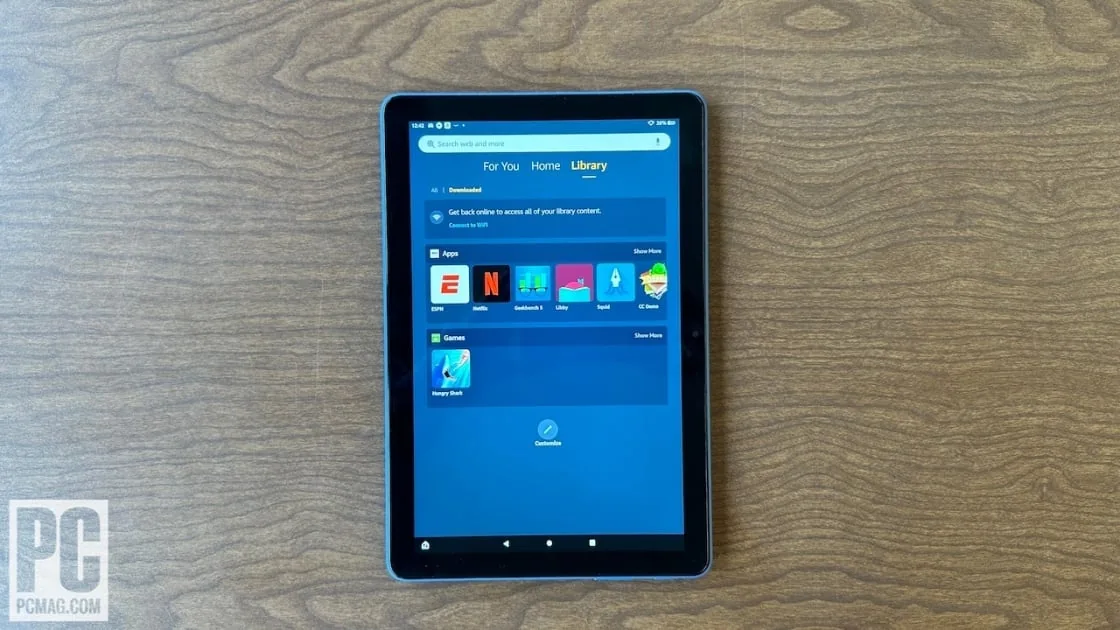
Amazon Fire HD 10 Kids
The Fire HD 10 Kids earns the top spot because no other tablet in this price range combines a 2-year no-questions-asked replacement guarantee, included Amazon Kids+ subscription, and best-in-class parental controls in a single package.
Wirecutter just reaffirmed the Apple iPad as its top kids' tablet pick after hundreds of hours of testing, and look, we're not here to argue with that. It's a genuinely excellent device. But "best tablet" and "best tablet for your specific eight-year-old who has already cracked two screens and discovered that YouTube autoplay is basically a loophole" are different questions entirely. For parents of elementary-age kids, the iPad is often the right answer. It's just not always the right answer, and defaulting to it without thinking through your family's actual situation can mean overpaying for hardware a five-year-old will destroy, or under-buying for a ten-year-old who needs it for real schoolwork.
The 5–11 age range is also a genuinely wide window. A kindergartner doing phonics apps and a fifth-grader managing homework, reading assignments, and the occasional video call to grandma have almost nothing in common in terms of what they need from a device. One wrong choice in either direction and you're either replacing a cracked screen out of pocket or watching a capable kid wait through a loading spinner every time they open a new tab.
We tested and ranked five tablets specifically for this age range, weighing durability protection, parental controls, actual educational value, and the kind of long-term math that makes a $329 device cheaper than a $109 one over four years. Here's what we found.
What to Look for in a Kids' Learning Tablet (Ages 5–11)
Durability and replacement protection matter more than almost any spec on the box. Elementary-age kids drop things constantly, and a tablet without a rugged case and, ideally, a no-questions-asked replacement guarantee is a liability waiting to happen. A worry-free replacement policy can save you the full cost of the device in year one alone. If a tablet doesn't come with meaningful drop protection built in, budget for a quality case immediately and factor that into the price comparison.
Parental controls need to be genuinely granular, not just an on/off switch for the browser. The best implementations let you set daily time limits by content category, approve or block individual apps remotely, and review usage from a parent dashboard without having to physically hold the tablet. Weak parental controls mean you become the enforcement mechanism, which works great until it doesn't, usually around 7:45 on a school night.
Educational content is not the same as educational-ish content. A tablet loaded with games that have a math problem between levels is not a learning tablet. Look for devices that offer curriculum-aligned apps, reading and math tools that track progress, and content libraries built around school-age learning rather than entertainment with a thin academic veneer. The difference is obvious once you see it side by side.
Value and longevity are inseparable. A $99 device your child outgrows in 18 months, or that you replace twice because it lacks a warranty, can easily cost more than a $329 device they use through middle school. Factor in included subscriptions, replacement guarantees, and realistic hardware lifespan when you're comparing sticker prices. The cheap option is sometimes genuinely the right call. It's just not automatically the right call because the number is smaller.
Performance needs to match the actual use case. A five-year-old running a single phonics app doesn't need a powerful processor. A ten-year-old switching between a school reading platform, a math app, and a video call absolutely does. Buying too little performance for an older kid means lag, frustration, and a tablet that feels obsolete within a year. Buying too much for a younger one means paying for headroom they won't use for years.
Who Should Buy
If you want the best all-around kids' tablet without spending a lot of time second-guessing yourself, our top pick is the clear choice. The two-year no-questions-asked replacement guarantee alone sets it apart from nearly everything else in this price range, and the included subscription and best-in-class parental controls mean you're set up from day one without additional purchases. It's the lowest-risk, highest-value option in this category, and it's the one we'd hand to most parents who just want the right answer.
If your child is eight or older and you're thinking about longevity, our pick for older kids is the stronger long-term investment. The app ecosystem is unmatched, the performance will stay relevant well past elementary school, and for kids who are starting to use a tablet for actual schoolwork, that breadth of access matters. The upfront cost is higher and there's no built-in replacement guarantee, but for this age group, it earns its price.
If budget is the primary constraint and your child is in the five-to-seven range, our budget pick gives you the same core protections, including the worry-free guarantee and the parent dashboard, at nearly half the price of our top pick. A six-year-old doing reading and math apps won't notice the smaller screen or the modest processor. You will notice the price difference.
If your family is already in the Android ecosystem and switching feels like more trouble than it's worth, our Android pick gives you full Google Play access and a sharp display without forcing a platform change or crossing into Apple pricing territory. And if your child is five to seven and you want a tablet that is purely, unambiguously educational with zero negotiation about what's on it, our pick for that age range is the only device on our list where every single piece of content was built for learning. No YouTube. No entertainment creep. Just curriculum.
More Picks We Love
Our full ranking, scored by our editorial team on safety, value, ease of use, and quality.
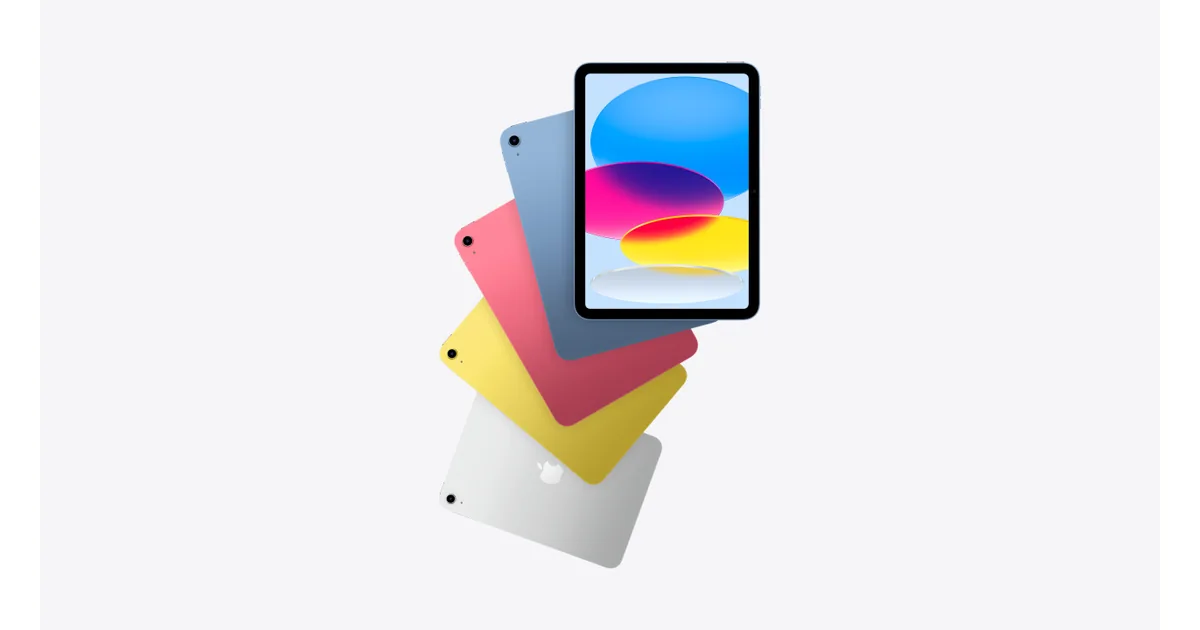
Apple iPad (9th Generation)
For kids 8 and up, the standard iPad is the strongest long-term investment thanks to the richest educational app ecosystem available and performance that stays relevant through high school.
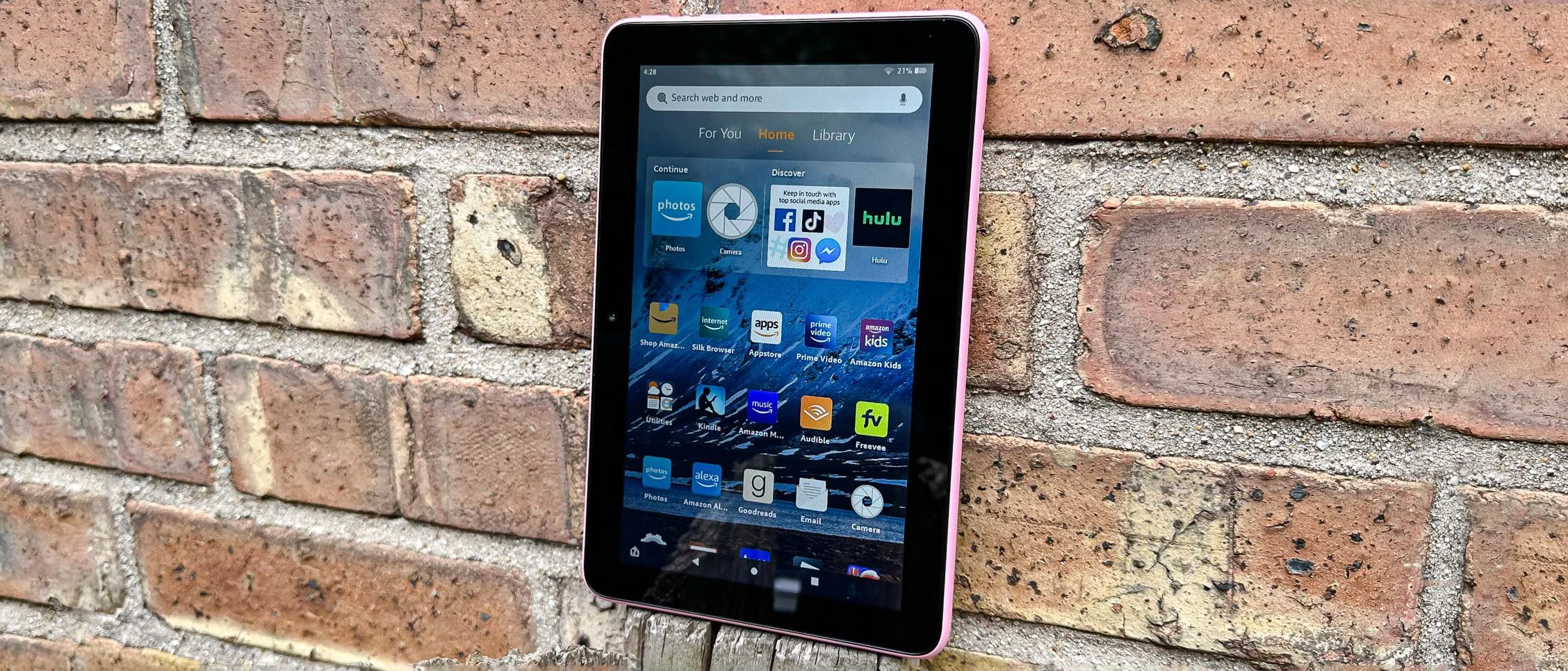
Amazon Fire 7 Kids
The Fire 7 Kids delivers the same excellent parental controls and worry-free replacement guarantee as the HD 10 at nearly half the price, making it the smartest buy for families with younger kids on a tight budget.

Samsung Galaxy Tab A8
The Galaxy Tab A8 is the best option for Android-committed families who want full Google Play access and a sharp 10.5-inch display without crossing into Apple's price territory.

LeapFrog Epic Academy Edition
The LeapFrog Epic is the only tablet on this list where every single piece of content is curriculum-aligned, making it the right call for parents of 5–7 year olds who want a pure learning tool with zero entertainment creep.
Frequently Asked Questions
What is the best kids' tablet for a 6-year-old just starting school?▾
For most 6-year-olds, the Amazon Fire 7 Kids or LeapFrog Epic Academy Edition are the strongest choices. The Fire 7 Kids offers excellent parental controls and a worry-free replacement guarantee at $109.99, while the LeapFrog Epic is ideal if you want a fully locked-down, curriculum-only device. Both are sized and priced appropriately for early elementary use.
Is the Amazon Fire HD 10 Kids better than an iPad for elementary school?▾
It depends on your child's age and your priorities. The Fire HD 10 Kids wins on value, durability protection, and parental controls — and the 2-year replacement guarantee is a meaningful advantage for younger kids. The iPad wins on app selection, performance, and long-term longevity, making it the better choice for kids 8 and up who will use it for schoolwork.
Do kids' tablets come with educational apps included, or do you have to buy them separately?▾
It varies by device. The Amazon Fire HD 10 Kids and Fire 7 Kids both include a 1-year Amazon Kids+ subscription, which provides access to thousands of books, educational apps, and videos at no extra cost. The LeapFrog Epic comes with pre-loaded curriculum-aligned content. The iPad and Samsung Galaxy Tab A8 require you to purchase or download educational apps separately from their respective app stores, though many high-quality educational apps are free.
How important is a worry-free replacement guarantee for a kids' tablet?▾
Very important, especially for kids under 8. Amazon's 2-year worry-free guarantee — included with both the Fire HD 10 Kids and Fire 7 Kids — replaces a broken or cracked tablet once for free, no questions asked. Given that kids' tablets frequently get dropped, sat on, or dunked, this guarantee can effectively save you the full cost of the device. Neither Apple nor Samsung offers an equivalent program; AppleCare+ for iPad costs an additional $79 and still requires a service fee per incident.
At what age should a child move from a kids' tablet to a regular tablet?▾
Most kids are ready to transition to a standard tablet — like the Apple iPad or Samsung Galaxy Tab A8 — around ages 8 to 10. By that age, school assignments often require access to a broader range of apps, and the content restrictions of dedicated kids' devices can become limiting. The Apple iPad (9th Generation) is specifically recommended for ages 8 and up because it will remain relevant through high school without needing replacement.
Ready to compare all options?
See every kids learning tablets ranked by our editors — scored on safety, value, ease of use, and quality.
See all 5 Best Kids Learning Tablets ranked →